AI Video Editing
AI Video Editing turns prompt ideas, reference frames, and delivery notes into polished AI video edit drafts through the Seedance 2.0 engine.
A prompt surface built for real AI video edit decisions
AI Video Editing keeps the Seedance 2.0 sender focused on practical editor choices: shot intent, reference images, first and last frames, motion notes, audio, ratio, duration, and review criteria. The AI video edit flow feels closer to directing a cut than gambling on a random clip.
Create an AI video edit for a launch teaser. Use the first frame for the product reveal, keep identity from the reference image, move in a slow push, add natural audio, and finish with a clean final frame.
AI Video Editing workflow
Define the edit brief
AI Video Editing starts with the editor goal: campaign teaser, product motion, social post, scene extension, or storyboard test.
Attach the right references
Use images and frames to anchor identity, mood, product detail, camera direction, or the ending moment of the AI video edit.
Render through Seedance 2.0
Choose a fast draft when exploring options or a standard Seedance 2.0 render when the AI video edit is ready for review.
Review like footage
Check continuity, motion, sound, crop safety, and whether the AI video edit can move into publishing or another refinement pass.
Why AI Video Editing works for video teams
Seedance 2.0 generation core
AI Video Editing uses Seedance 2.0 behind the workflow, so prompts, references, frames, and audio choices stay in one AI video edit surface.
Reference-led editing
A strong AI video edit depends on what should stay stable. AI Video Editing guides identity, product detail, and scene continuity with references.
Prompt control for editors
AI Video Editing encourages camera language, pacing, lighting, behavior, and delivery constraints that match professional AI video edit review.
Fast draft path
Use AI Video Editing fast mode for early direction finding, then reserve a higher fidelity Seedance 2.0 pass for clips that deserve closer inspection.
Audio-aware motion
AI Video Editing supports ambient sound, rhythm, and action timing so an AI video edit feels like a complete short, not a silent placeholder.
Delivery-focused outputs
Plan ratio, duration, and final-frame needs before generation so each AI video edit is easier to reuse in ads, reels, pages, and decks.
AI video edit directions you can inspect
AI Video Editing keeps real Seedance 2.0 video references on the page so editors can judge motion, timing, light, and composition.
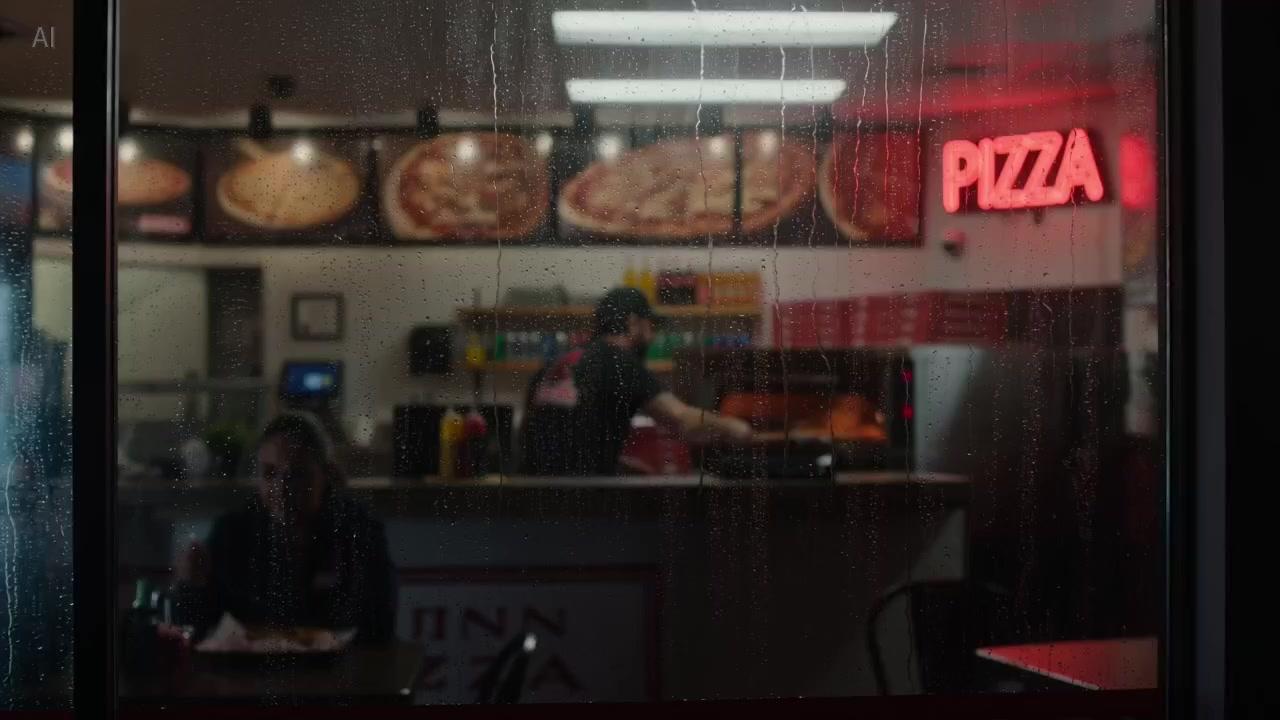
Continuous brand sequence
A single-shot AI Video Editing direction with a warm camera push, stable subject motion, and reviewable handoff timing.
MP4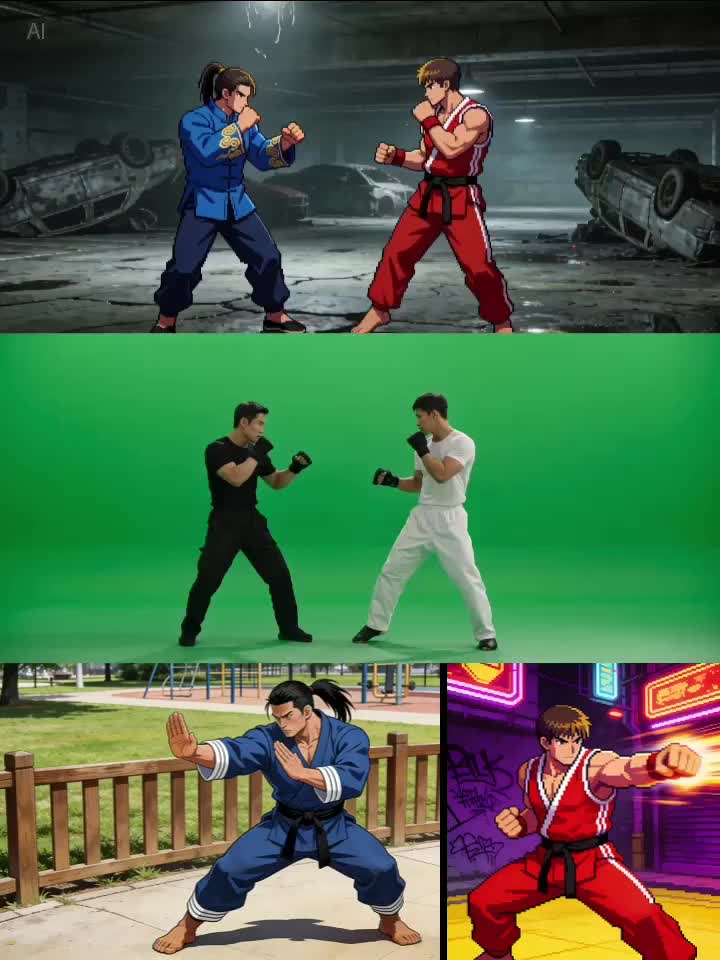
Reference action edit
An AI video edit that combines character references with movement notes for more controlled action and continuity.
MP4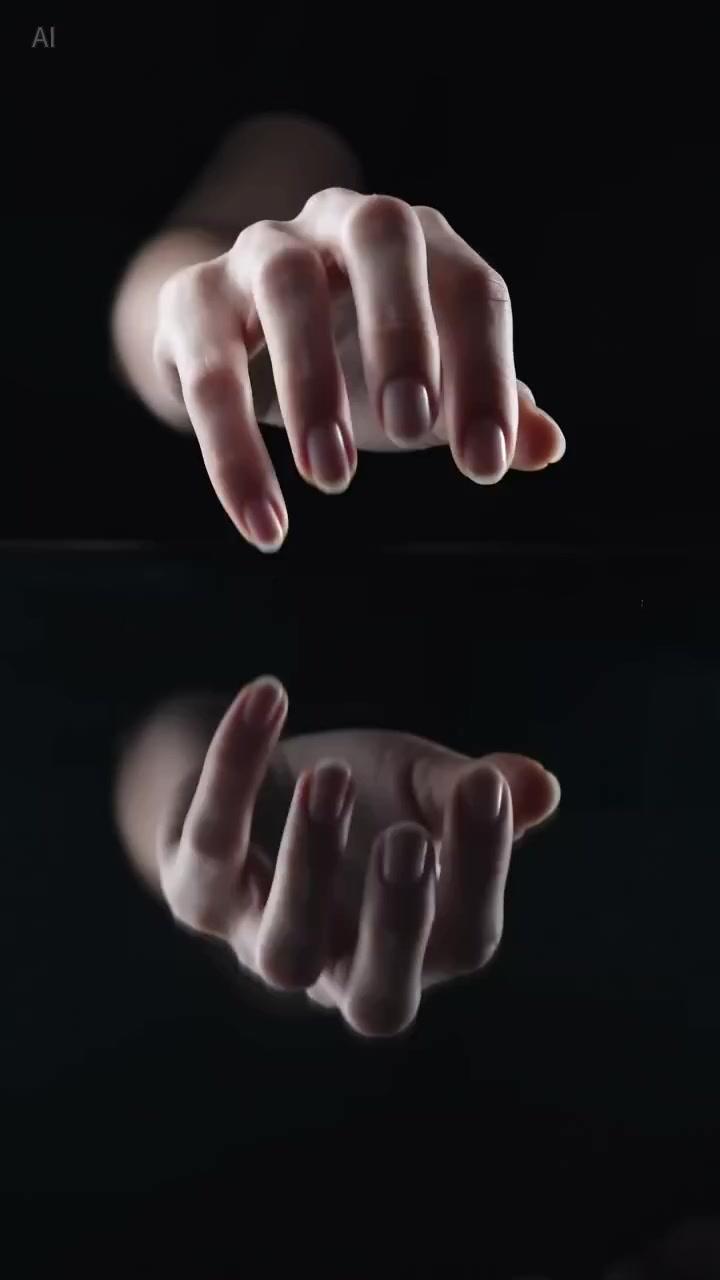
Product texture motion
A vertical AI Video Editing example balancing product detail, macro texture, audio cues, and social delivery.
MP4AI Video Editing guide for practical AI video edit work
AI Video Editing is built for people who need a practical AI video edit. Start with the shot purpose: what viewers must understand, what stays consistent, and where the clip will run. Clear decisions give Seedance 2.0 better direction.
The strongest AI Video Editing prompt begins with a brief, then adds visual anchors. For a product teaser, define the object, camera reveal, lighting, and final frame. For a character scene, define identity, motion, rhythm, and performance. This turns an AI video edit into a repeatable process.
References are the main advantage of AI Video Editing. A first frame sets the opening composition, a last frame defines the landing moment, and reference images preserve people, products, wardrobe, or environment. The AI video edit workflow is strongest when teams already have brand material.
Fast mode is useful during exploration because editors often compare several AI video edit directions before choosing one. Standard mode is better when the brief is fixed and the clip needs closer evaluation. AI Video Editing keeps both paths visible so creators can choose speed or fidelity.
For teams, AI Video Editing turns launch copy into motion tests, product stills into short demos, and campaigns into social variations. Creators convert prompts into reels, loops, and storyboard fragments. Agencies get faster stakeholder review before a traditional edit cycle.
A reliable AI video edit review checks continuity, subject stability, physical plausibility, crop safety, audio fit, and final-frame quality. AI Video Editing is designed around that checklist while keeping the creative sender consistent with the Seedance 2.0 workflow.
AI Video Editing FAQ
What is AI Video Editing?
AI Video Editing is an AI video edit workspace powered by Seedance 2.0 for prompts, reference images, frames, and delivery settings.
Is AI Video Editing the same as Seedance 2.0?
AI Video Editing uses Seedance 2.0 behind the workflow, but the page is written for people searching for a practical AI video edit tool.
Can AI Video Editing use reference images?
Yes. AI Video Editing supports reference-led planning so an AI video edit can preserve product identity, character appearance, scene tone, or the desired ending frame.
When should I use fast mode for an AI video edit?
Use fast mode for exploration and early direction tests. Use standard mode when the AI video edit is ready for closer review.
Can AI Video Editing create videos with audio?
Yes. AI Video Editing can prompt Seedance 2.0 with audio-aware direction, including ambient sound, rhythm, movement timing, and action cues.
Who is AI Video Editing for?
AI Video Editing is for marketers, creators, agencies, product teams, and editors who need an AI video edit workflow connected to review-ready output.
AI Video Editing
AI Video Editing turns prompt ideas, reference frames, and delivery notes into polished AI video edit drafts through the Seedance 2.0 engine.